Error FixCyberpunk 2077
Fix Game Crash After Windows Update
Restore game launches after a Windows update by repairing drivers, overlays, and blocked compatibility settings.
Category
Crash fixes, missing DLL repairs, and launch troubleshooting guides.
Restore game launches after a Windows update by repairing drivers, overlays, and blocked compatibility settings.
Repair mismatched 32/64-bit runtimes and DirectX files that trigger the 0xc000007b launch error.
Clear shader caches and update GPU drivers when Vulkan games hang or fail while compiling shaders.
Install the correct Visual C++ runtime so Windows games stop failing with missing MSVCP140.dll.
Recover from black-screen launches caused by wrong display mode, outdated drivers, or stuck fullscreen settings.
Repair DirectX, GPU drivers, and Visual C++ packages when a game crashes with a DirectX function error.
Clear stuck Steam downloads, free disk space, and repair permissions when updates fail with a disk write error.
Repair Easy Anti-Cheat setup files, reinstall the service, and launch protected games again on Windows.
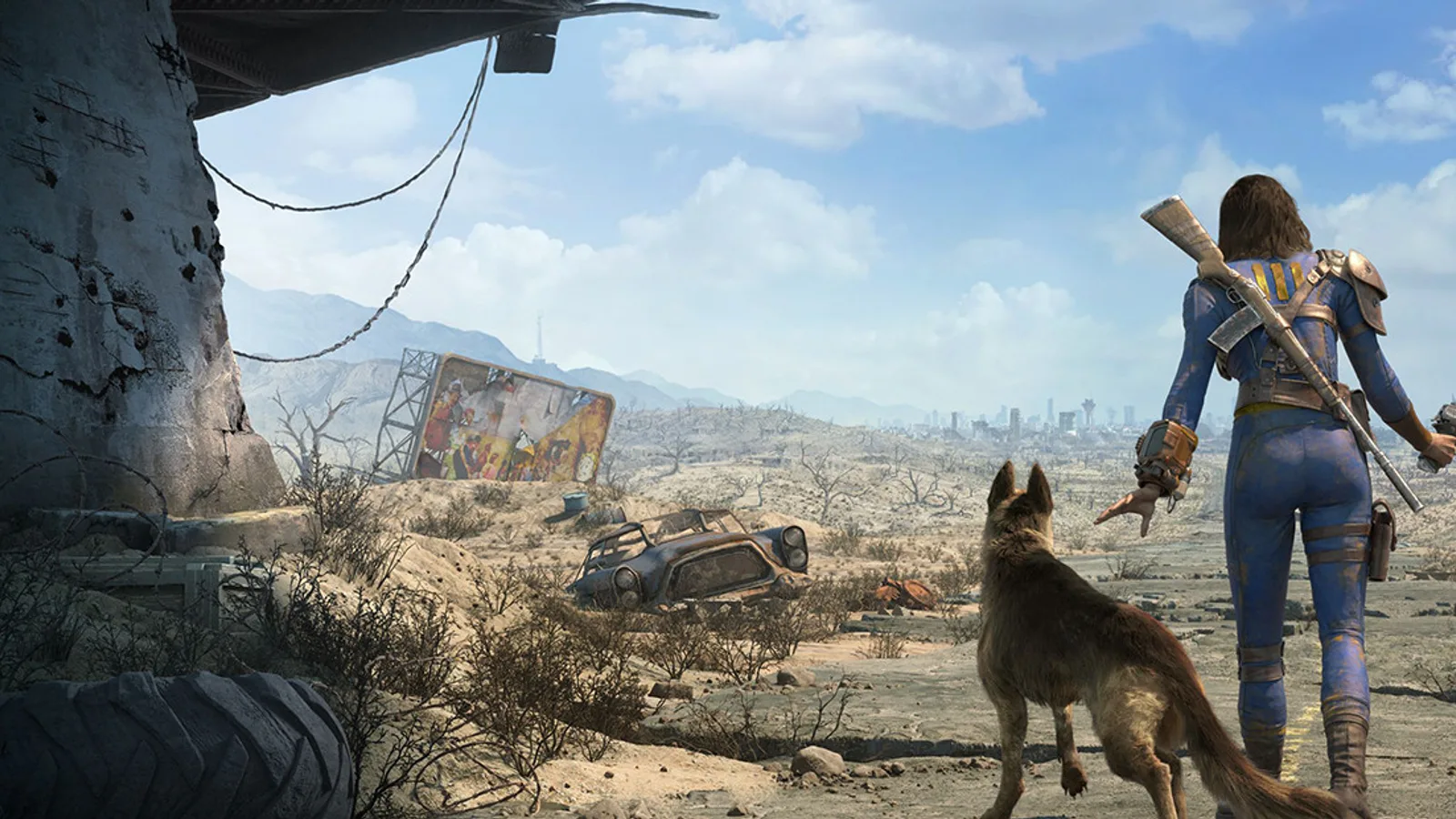
Stop Fallout 4 next-gen from CTDing on launch with ultra-wide monitors, outdated F4SE, and Creation Club freezes.