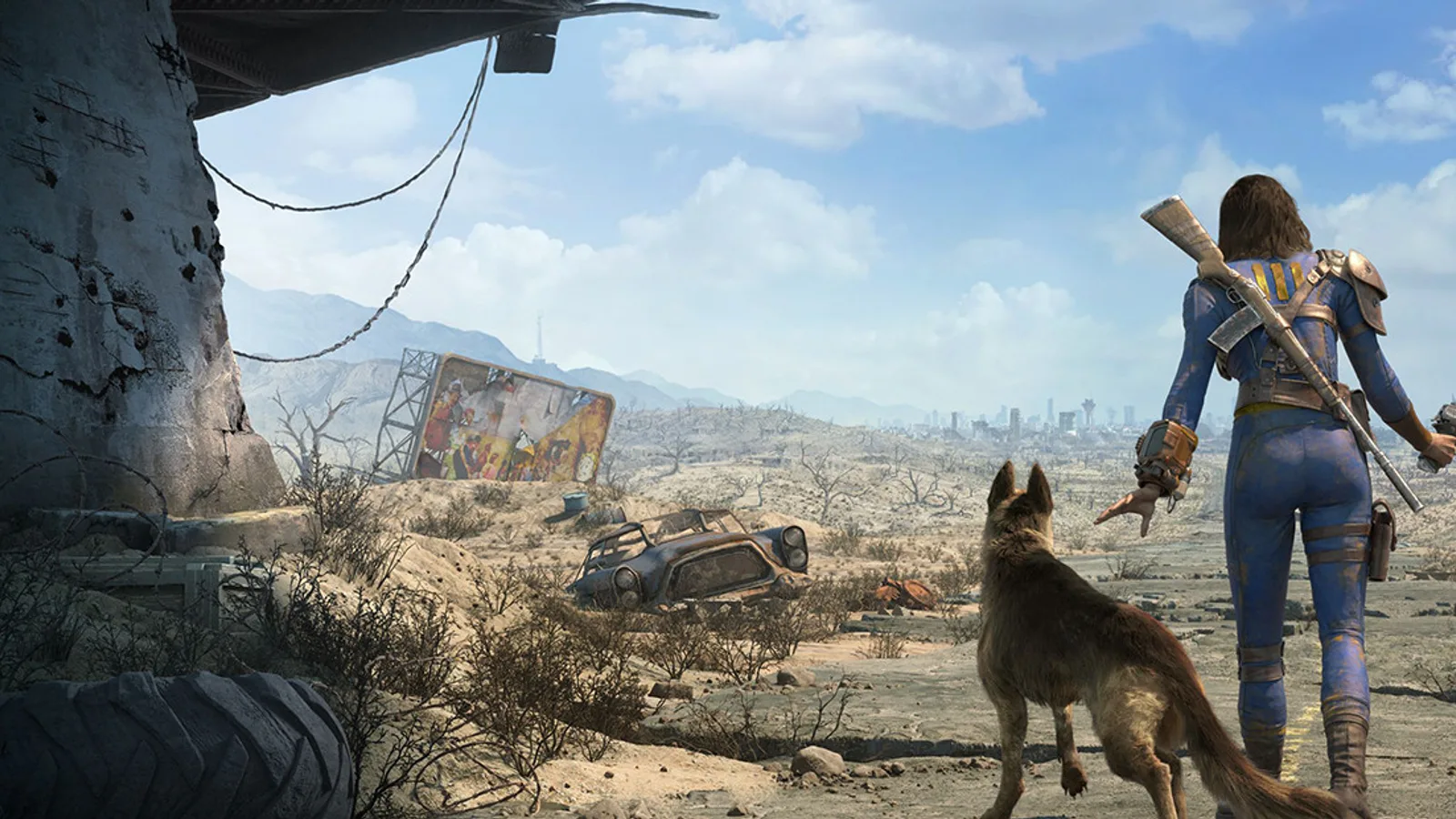
You click Play in Steam, the Fallout 4 launcher appears, you hit Play again — and the game dies before a single frame renders. No Bethesda logo. No main menu. Just an instant CTD the moment the next-gen build tries to initialize the display. On ultra-wide monitors this is especially common after the April 2024 next-gen update.
Deep Dive: Why This Error Occurs
The next-gen update reworked parts of Fallout 4’s rendering path for higher frame rates, updated shadow options, and wider display modes. The new display initialization path can fail hard when it reads an unsupported or previously saved ultra-wide resolution from Fallout4Prefs.ini. Mods using an outdated F4SE build can also crash instantly because script extender DLLs no longer match the executable. Separately, Creation Club content checks can freeze the session right after launch and look like a soft lock.
Primary Root Causes
- Ultra-wide resolution breaking next-gen display init — saved
iSize W/iSize Hvalues trigger an immediate CTD before the menu. - Outdated F4SE after the next-gen executable change — old
f4se_loader.exeand plugin DLLs crash on attach. - Creation Club startup content check hanging — the game appears frozen while it syncs CC packages.
- Corrupted next-gen files after a partial Steam update — verify integrity often restores missing binaries.
- Stale GPU drivers or overlay injection — less common, but still a real launch killer after driver updates.
How to Fix This Error (Step-by-Step)
Method 1 — Force a safe resolution in Fallout4Prefs.ini
This works even when the game never reaches the menu.
- Close Steam and Fallout 4 completely.
- Open
C:\Users\YourName\Documents\My Games\Fallout4\Fallout4Prefs.iniin Notepad. - Under
[Display], set temporary safe values such asiSize W=1920andiSize H=1080. - Save the file, relaunch Fallout 4, and confirm it reaches the main menu.
- In Settings → Display, switch back to your native ultra-wide resolution from inside the game so the next-gen renderer stores a valid mode.
Tip: If the image looks stretched at 1920x1080, your desktop is still ultra-wide. Change resolution in-game rather than only in Windows.
Method 2 — Update F4SE for the next-gen build
- If you launch with F4SE, download the next-gen compatible build from the official F4SE site.
- Replace
f4se_loader.exeand matching DLLs in the Fallout 4 install folder. - Update or temporarily disable plugins compiled only for pre-next-gen runtimes.
- Launch through the updated F4SE loader and test a clean boot without extra overlays.
Method 3 — Bypass a stuck Creation Club check
- Open or create
C:\Users\YourName\Documents\My Games\Fallout4\Fallout4Custom.ini. - Add:
[General] bEnableFileSelection=1 [Archive] bInvalidateOlderFiles=1 sResourceDataDirsFinal= - Save, then launch again. If CC still freezes, leave the game on that screen for several minutes so pending downloads can finish before force-closing.
Method 4 — Verify files and refresh GPU stack
- Steam → Fallout 4 → Properties → Installed Files → Verify integrity of game files.
- Update GPU drivers with a clean install and reboot.
- Disable Discord / NVIDIA / Xbox overlays for one test launch.
Essential Troubleshooting FAQs
I’m on a 16:9 monitor and still get an instant CTD. Same bug?
Not always. On 16:9, outdated F4SE or a bad plugin is more common than the ultra-wide init crash. Update F4SE first, then verify files.
I forced 1920x1080 and the game loads, but it looks stretched.
The game is rendering 16:9 while the desktop is ultra-wide. Set your real resolution from the in-game display menu after a successful launch.
Every guide needs the game to open, but mine never does.
Method 1 is an offline text edit. You do not need a successful launch to change Fallout4Prefs.ini.
Summary
For most ultra-wide next-gen CTDs, set iSize W/H to 1920x1080, launch once, then restore native resolution in-game. Update F4SE if you use mods, calm Creation Club freezes with custom INI tweaks, and verify Steam files if the executable still dies instantly. Work through the methods in order — Method 1 alone fixes a large share of launch crashes.